
Parimatch Deposit and Withdrawal in India 2026
The Parimatch app cashier supports fourteen payment methods for Indian players — from UPI, PhonePe and GPay to Net Banking, RuPay, Visa, Mastercard and crypto. Deposits start from ₹200 and credit instantly via UPI with zero fees charged by Parimatch. Withdrawals are processed from ₹500 with UPI payouts arriving in as little as 5 minutes after approval. The entire cashier experience — deposits, withdrawals, and transaction history — is available inside the PWA on Android or iOS without switching to a browser. All cashier operations are available immediately after installing the app — Parimatch India players deposit, bet, and withdraw without leaving the mobile interface.
Use New Promo Code on your First Deposit
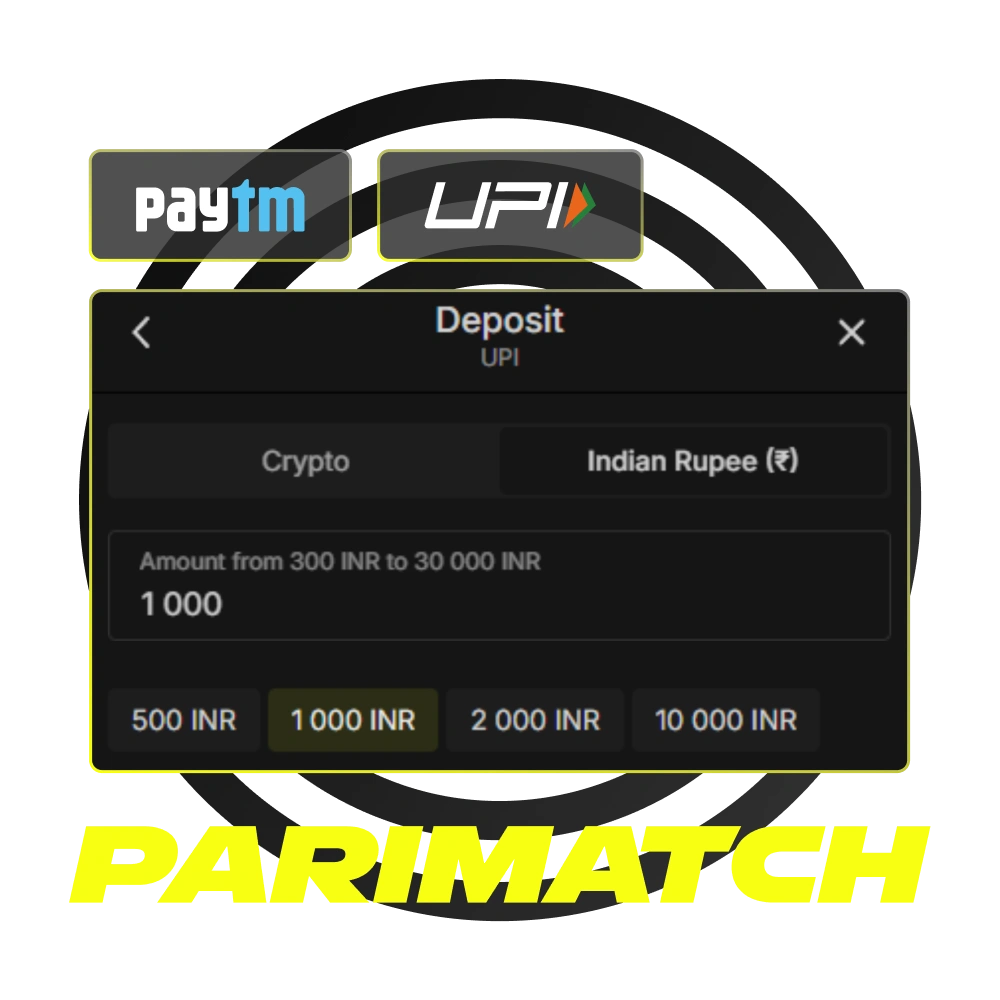
Parimatch Payment Methods for India
All deposit and withdrawal methods listed below are available directly inside the Parimatch app cashier. No external browser or desktop required to initiate or confirm transactions.
Mobile Wallets & UPI
| Method | Deposit | Withdrawal | Min Deposit | Min Withdrawal | Speed |
|---|---|---|---|---|---|
| UPI | ✅ | ✅ | ₹200 | ₹500 | Instant / 5 min–2 hrs |
| PhonePe | ✅ | ✅ | ₹200 | ₹500 | Instant / 5 min–2 hrs |
| GPay | ✅ | ✅ | ₹200 | ₹500 | Instant / 5 min–2 hrs |
| Paytm | ✅ | ✅ | ₹200 | ₹500 | Instant / up to 2 hrs |
| RuPay | ✅ | ✅ | ₹200 | ₹500 | Instant / up to 24 hrs |
Banks & Cards
| Method | Deposit | Withdrawal | Min Deposit | Min Withdrawal | Speed |
|---|---|---|---|---|---|
| Net Banking | ✅ | ✅ | ₹200 | ₹500 | Instant / up to 24 hrs |
| HDFC Bank | ✅ | ✅ | ₹200 | ₹500 | Instant / up to 24 hrs |
| Axis Bank | ✅ | ✅ | ₹200 | ₹500 | Instant / up to 24 hrs |
| SBI | ✅ | ✅ | ₹200 | ₹500 | Instant / up to 24 hrs |
| ICICI | ✅ | ✅ | ₹200 | ₹500 | Instant / up to 24 hrs |
| Yes Bank | ✅ | ✅ | ₹200 | ₹500 | Instant / up to 24 hrs |
| Kotak | ✅ | ✅ | ₹200 | ₹500 | Instant / up to 24 hrs |
| Visa / Mastercard | ✅ | ✅ | ₹200 | ₹500 | Instant / up to 24 hrs |
| Cash on Delivery | ✅ | ❌ | ₹200 | — | Varies |
| Crypto (USDT/USDC) | ✅ | ✅ | ₹200 | ₹500 | Instant / up to 24 hrs |
UPI remains the fastest and most widely used method among Indian players — deposits credit in under a minute and withdrawals settle within 5 minutes to 2 hours after approval. Parimatch charges no fees on any deposit or withdrawal method.
How to Deposit Money in the Parimatch App
All deposits are made directly inside the PWA cashier on Android or iOS — no browser redirect required for UPI, PhonePe, or GPay transactions. Before depositing, ensure the payment account is registered in your name — third-party transfers are declined automatically.
- Open the app and tap the Wallet icon — the cashier is accessible from the bottom navigation bar after logging in to your account.
- Select Deposit — the cashier displays all available payment methods. Choose UPI, PhonePe, GPay, Paytm, Net Banking, or any other method from the list.
- Enter the deposit amount — type an amount between ₹200 and ₹5,00,000. If a welcome bonus is active on your account, it is credited automatically after the qualifying deposit is confirmed — no manual activation needed.
- Complete the payment in your UPI app — the app redirects you to your selected UPI interface. Approve the payment in GPay, PhonePe, Paytm, or BHIM within the time limit shown on screen.
- Check your updated balance — funds appear in your Parimatch cashier within seconds for UPI transactions. If the balance does not update within 15 minutes, save the UTR reference number from your banking app and contact support via live chat.
Indian players on Jio, Airtel, or Vi networks with a stable 4G connection experience the fastest UPI crediting times — typically under 30 seconds from payment confirmation.
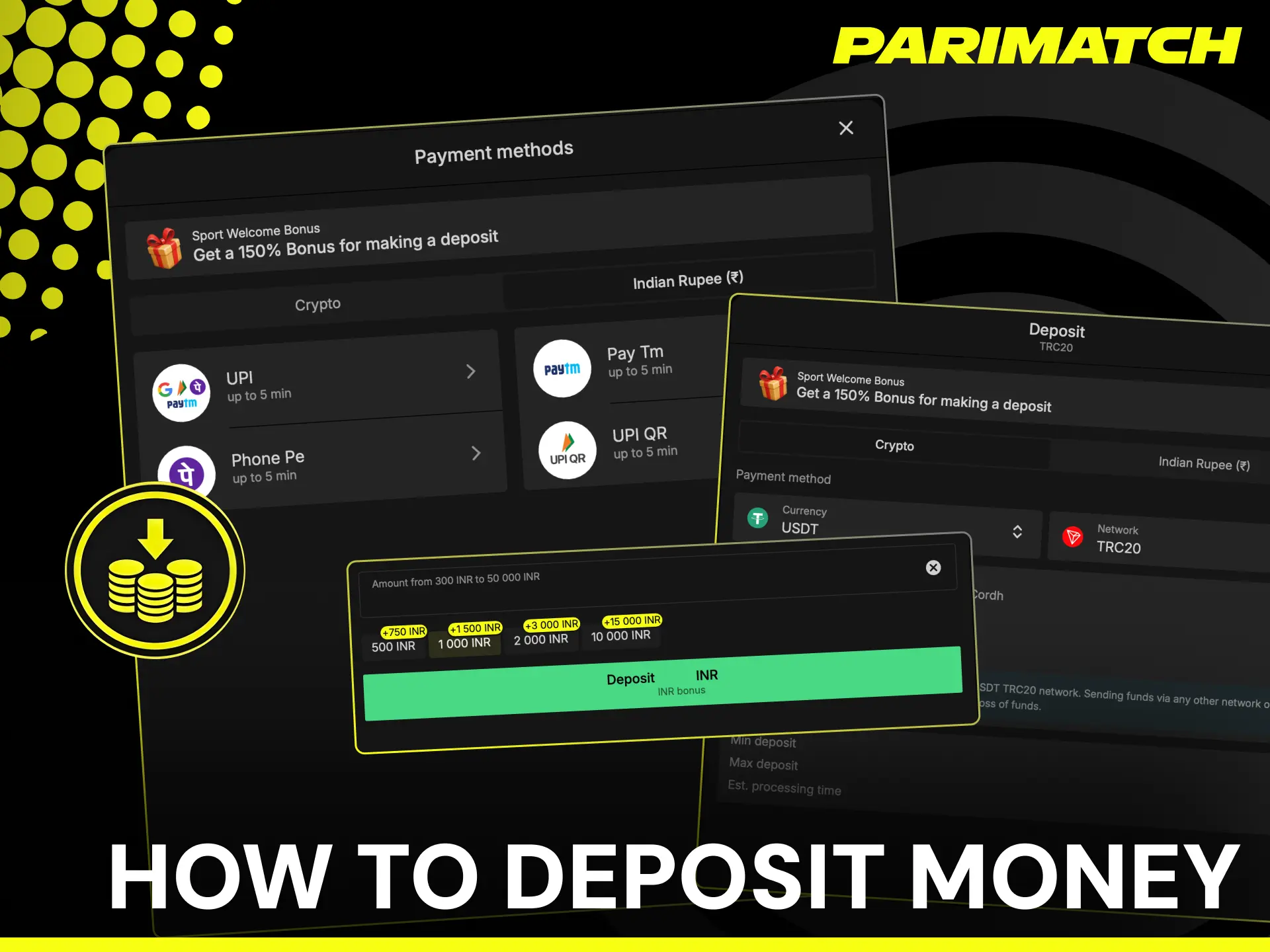
Parimatch Deposit Limits and Processing Time
| Parameter | Details |
|---|---|
| Minimum Deposit | ₹200 |
| Maximum Deposit | ₹5,00,000 per transaction |
| UPI / PhonePe / GPay | Instant — under 1 minute |
| Paytm | Instant — up to 15 minutes |
| Net Banking / Bank Transfer | Instant — up to 1 hour |
| Crypto (USDT/USDC) | Instant after blockchain confirmation |
| Deposit Fees | None charged by Parimatch |
| Currency | INR, USDT, USDC |
Deposits via UPI, PhonePe, and GPay credit within seconds in the majority of cases. Delays can occur during bank maintenance windows or periods of high transaction volume — particularly on IPL match days when UPI network traffic spikes across India. If a deposit does not reflect within 15 minutes, save the UTR or reference ID from your HDFC, SBI, ICICI, Axis, or Kotak banking app and share it with Parimatch support via live chat to trace and credit the funds manually.
How to Withdraw Money from the Parimatch App
KYC verification must be completed before submitting your first withdrawal request. Once verified, all withdrawals are processed directly inside the PWA on Android or iOS — no desktop or browser required.
- Open the app and tap the Wallet icon — navigate to the Cashier section from the bottom menu and select Withdraw.
- Choose your withdrawal method — select UPI, PhonePe, GPay, Paytm, or Net Banking. Use the same payment method and account name registered on your Parimatch account — name mismatches trigger automatic rejection.
- Enter your UPI ID or bank details — type your active UPI ID linked to your HDFC, SBI, ICICI, Axis, Kotak, or Yes Bank account. Ensure the UPI ID is active and receiving payments.
- Enter the withdrawal amount — type an amount between ₹500 and ₹1,00,000 per request. Only your cash balance is withdrawable — bonus funds cannot be cashed out until wagering requirements are fully met.
- Submit the request and track status — withdrawal requests are queued and processed sequentially. Track the status of your pending request in the Wallet section of the app at any time. UPI withdrawals arrive within 5 minutes to 2 hours after approval during standard banking hours.
Indian players who complete KYC before their first withdrawal experience zero delays — verification holds are the most common reason payouts are queued beyond the standard processing window.
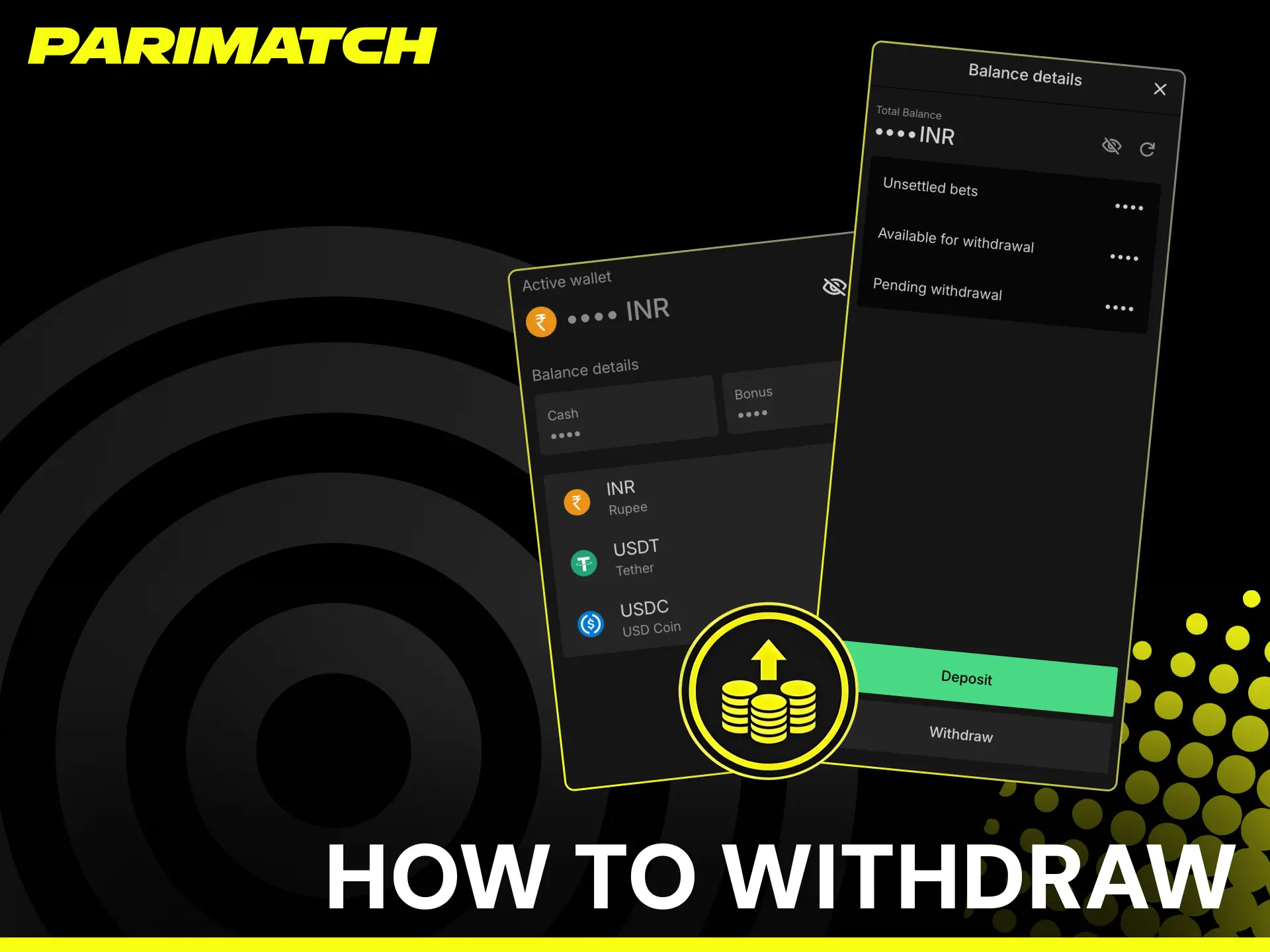
Parimatch Withdrawal Limits and Processing Time
| Parameter | Details |
|---|---|
| Minimum Withdrawal | ₹500 |
| Maximum Withdrawal | ₹1,00,000 per request |
| UPI / PhonePe / GPay | 5 minutes — 2 hours after approval |
| Paytm | Up to 2 hours after approval |
| Net Banking | Up to 24 hours after approval |
| Crypto (USDT/USDC) | Up to 24 hours after blockchain confirmation |
| Withdrawal Fees | None charged by Parimatch |
| Currency | INR, USDT, USDC |
Withdrawal requests are processed sequentially — each new request enters a queue and is approved after the previous one is completed. Players who need to withdraw more than ₹1,00,000 submit multiple requests. Requests above ₹8,500 trigger an automatic identity check before processing — ensure your KYC documents are approved in advance to avoid delays. Net Banking payouts to HDFC, SBI, ICICI, Axis, Kotak, and Yes Bank accounts may take up to 24 hours depending on interbank processing schedules.
KYC Verification Before Your First Parimatch Withdrawal
Identity verification is a one-time requirement — once approved, standard withdrawals are processed without additional document uploads. KYC does not affect deposits or betting — only withdrawals are held until verification is complete.
When KYC is triggered
KYC is required before the first withdrawal from any Parimatch account. An additional check is triggered automatically for withdrawal requests above ₹8,500. Players who update their registered name, address, or payment method may be asked to re-verify.
Accepted documents for Indian players
For identity verification, one of the following is accepted:
- Aadhaar Card — front and back, all details clearly visible
- PAN Card — name and PAN number must match your Parimatch account exactly
- Passport — photo page with valid expiry date
- Voter ID or Driving Licence — government-issued, not expired
For address verification, one of the following dated within the last 3 months:
- Aadhaar Card showing current address
- Bank statement from HDFC, SBI, ICICI, Axis, Kotak, or Yes Bank
- Utility bill — electricity, gas, or broadband in your name
How to submit documents in the app
Open Profile in the Parimatch PWA on Android or iOS, navigate to Account Verification, upload clear photographs of both documents, and tap Submit. The Parimatch verification team reviews submissions within a few hours — a notification appears inside the app once your account is approved.
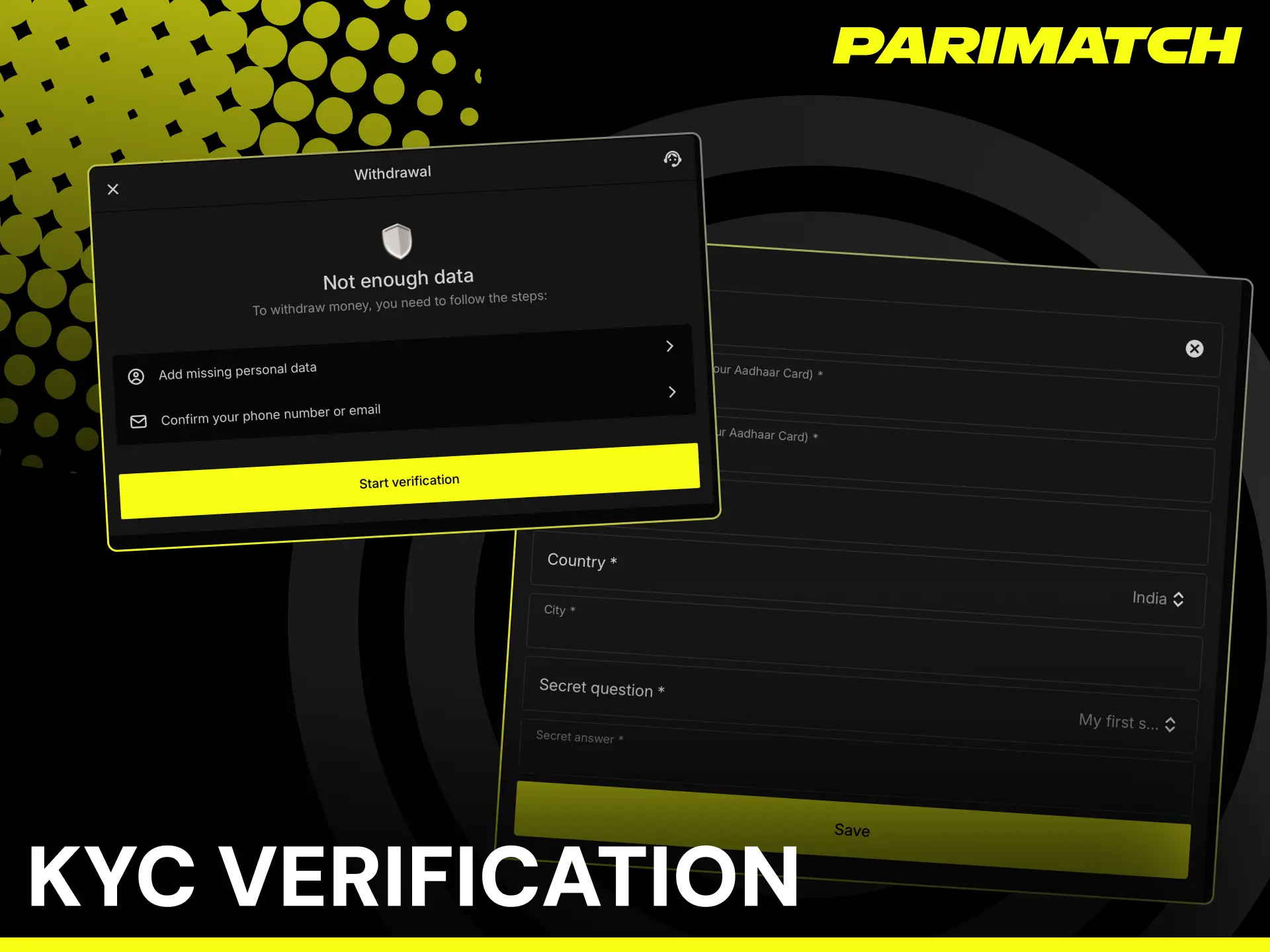
Common Deposit and Withdrawal Issues for Indian Players
- Deposit credited to bank but not showing in Parimatch balance
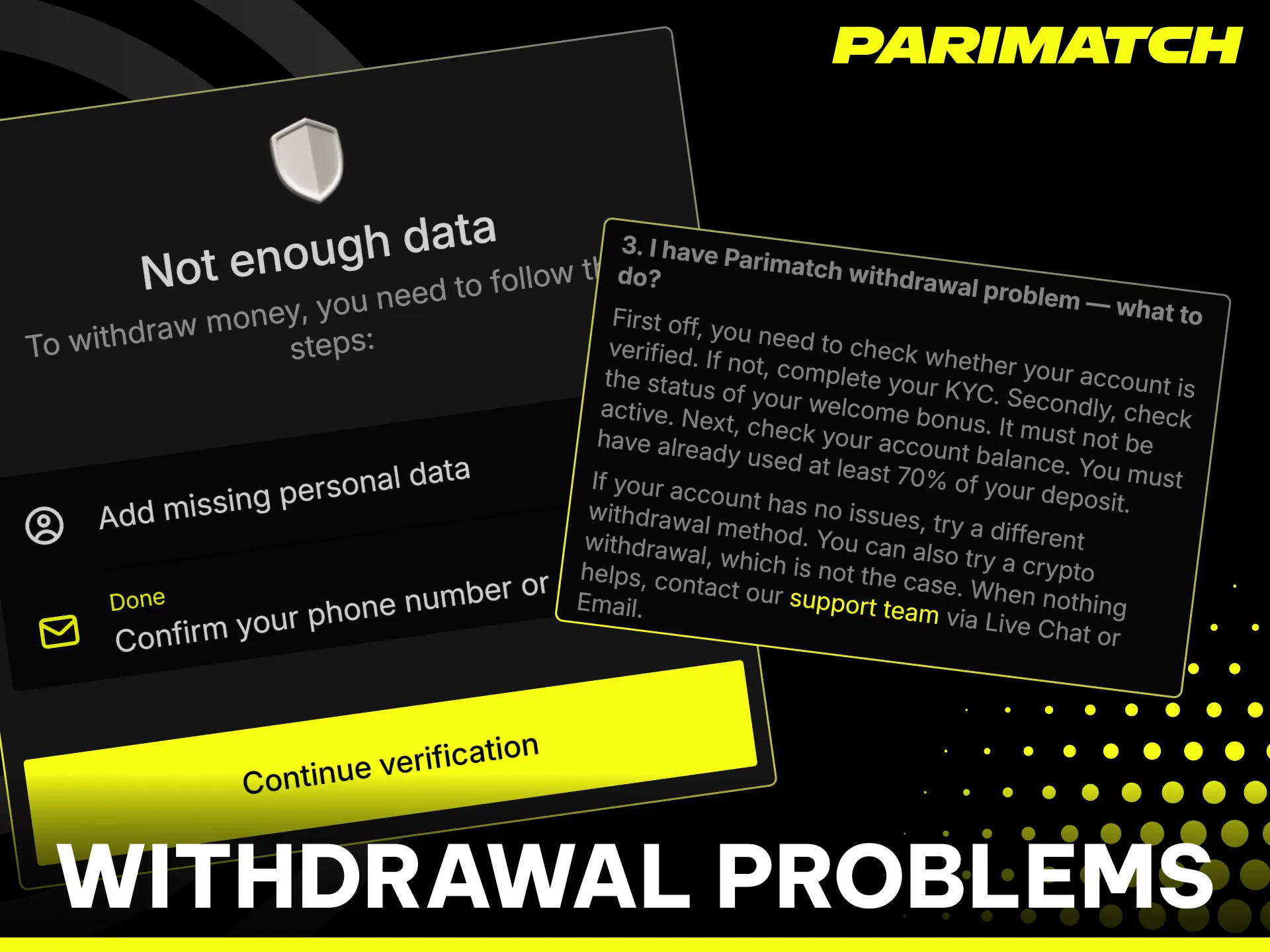
This happens when the UPI network confirms the payment on your side but the Parimatch cashier has not received the confirmation yet. Wait 15 minutes before acting. If the balance still has not updated, open the transaction in your GPay, PhonePe, or Paytm history, copy the UTR number, and share it with Parimatch support via live chat — the team traces and manually credits the funds within minutes. - Withdrawal stuck in “Pending” for more than 2 hours
First check that your KYC is approved in the Profile section of the app. If verification is complete, the delay is likely caused by a queue during peak hours — IPL match evenings and weekends see the highest withdrawal volume. Net Banking payouts to SBI and HDFC accounts can take up to 24 hours regardless of queue — this is a bank processing delay, not a Parimatch hold. - UPI ID rejected during withdrawal setup
Ensure the UPI ID is currently active and linked to a bank account in your name. Inactive or deleted UPI IDs — particularly old Paytm UPI handles — are rejected automatically. Generate a new UPI ID in your banking app and update it in the Parimatch cashier before resubmitting the withdrawal request. - Bonus funds showing instead of cash balance
Active bonus funds are not withdrawable until wagering is complete. Check your wagering progress in the Bonuses tab of the app. To withdraw your cash balance immediately, cancel the active bonus in the Bonuses section first — note that cancelling forfeits the bonus and any winnings generated from it. - Crypto withdrawal showing as unconfirmed
USDT and USDC withdrawals require blockchain confirmation which varies with network congestion. Copy the transaction hash from the Parimatch cashier and check its status on a blockchain explorer. Contact support only if the transaction shows no confirmations after 24 hours.
FAQ
Can I use multiple UPI apps for deposits and withdrawals on the same account?
Yes. You can deposit via GPay and withdraw via PhonePe on the same account — provided both are registered in your name and linked to Indian bank accounts. Switching between UPI apps does not require updating your account details unless the registered name differs.
Why is my UPI deposit instant but withdrawal takes longer?
UPI deposits are push payments — your bank sends funds immediately. Withdrawals are pull payments that require Parimatch to initiate a transfer to your bank, which goes through approval, queue processing, and interbank settlement. UPI withdrawals typically settle within 5 minutes to 2 hours during standard banking hours.
Does Parimatch accept RuPay cards for deposits in India?
Yes. RuPay is available in the Parimatch app cashier alongside Visa and Mastercard. Deposits via RuPay credit instantly. Withdrawal processing times for RuPay follow the same schedule as Net Banking — up to 24 hours.
Can I deposit via Cash on Delivery if my bank blocks UPI transactions?
Yes. Cash on Delivery is available as a deposit-only method in the Parimatch cashier for Indian players whose banks block UPI transactions to offshore platforms. This method does not require a bank account or UPI ID.
What happens to my withdrawal if I cancel an active bonus?
Cancelling an active bonus forfeits the bonus funds and any winnings generated from them. Your cash balance becomes immediately withdrawable after cancellation — submit a withdrawal request via UPI, PhonePe, or GPay from the Cashier section of the app.
Is there a daily withdrawal limit on Parimatch in India?
The maximum per withdrawal request is ₹1,00,000. Multiple requests can be submitted sequentially — each enters a queue and is processed after the previous one is completed. There is no stated daily cap on the total number of requests an Indian player can submit.
Comments