
Parimatch Sign Up
Parimatch registration in India takes under two minutes — open the PWA on Android or iOS, tap Sign Up, choose your welcome bonus, and confirm your number or email. The entire process happens inside the app with no browser or desktop required. Indian players who complete registration get instant access to IPL and cricket betting markets, UPI and PhonePe deposits, and four welcome bonus options on the first deposit — including Sport Bonus +150% up to ₹20,000 with promo code FREESPIN. Install the Parimatch PWA on Android via Chrome or add it to your iPhone home screen via Safari to get started.
Use the Actual Promo Code When Registering
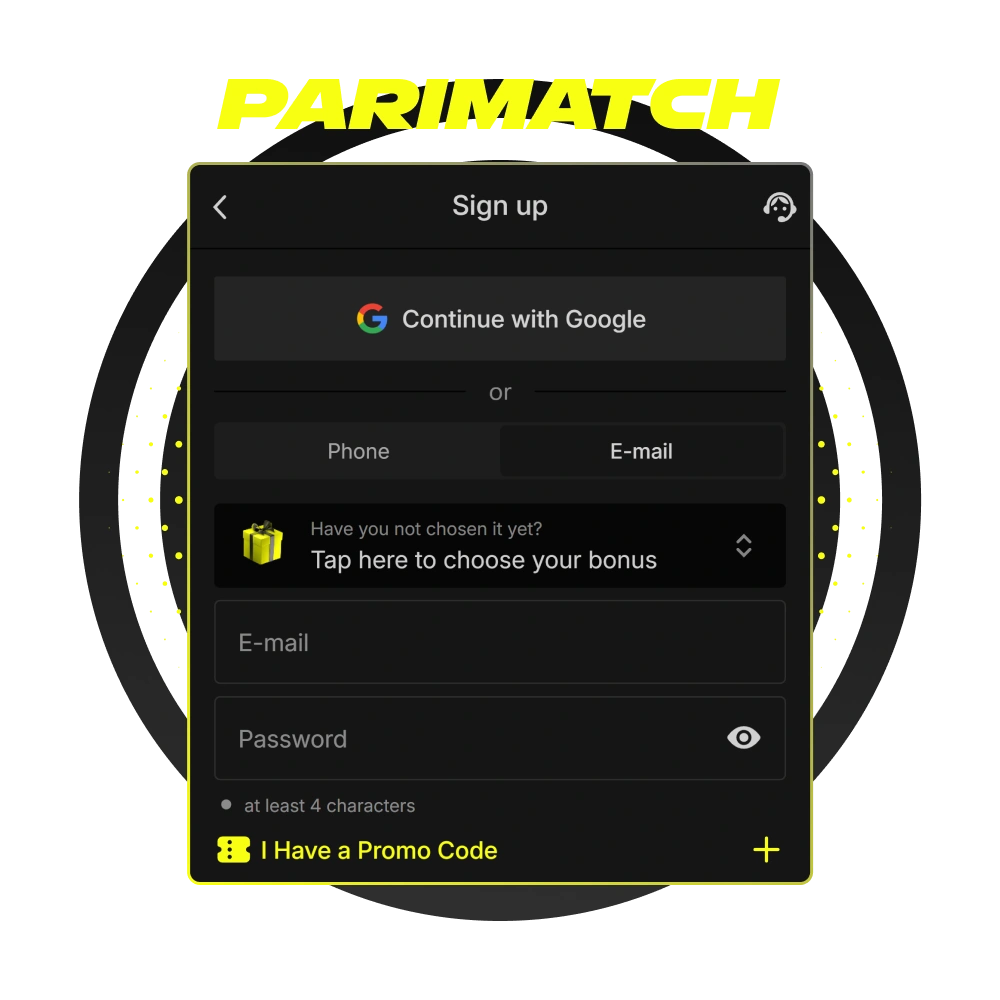
How to Register in the Parimatch App
4 stepsComplete your Parimatch registration directly inside the PWA on Android or iOS — no browser or desktop needed.
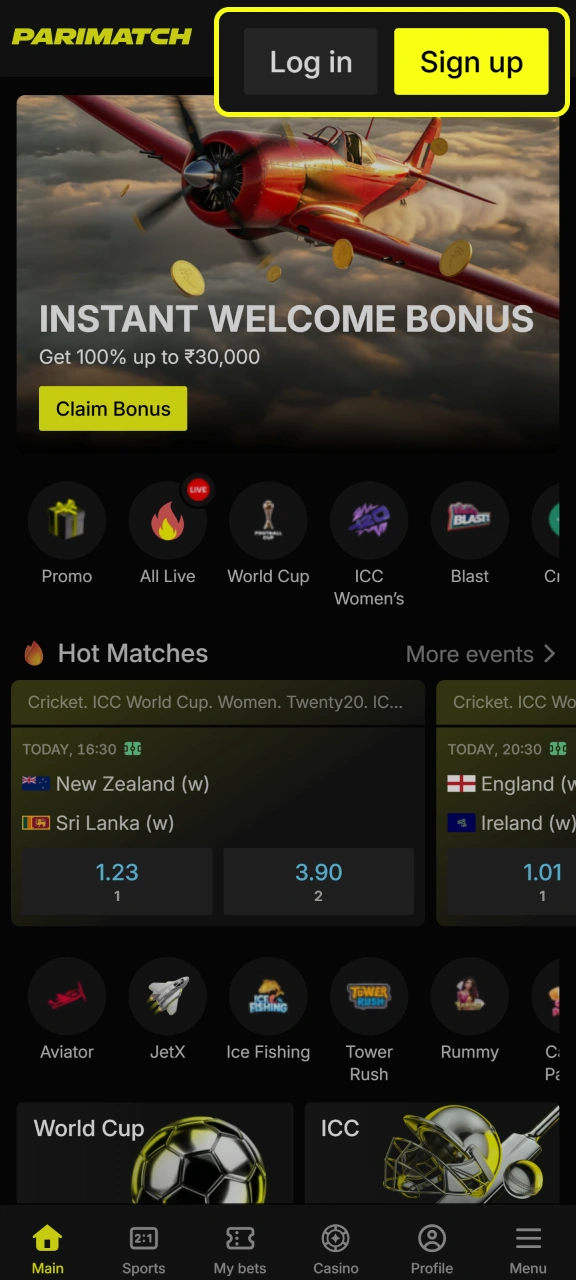
Open the PWA and tap Sign Up
Install the PWA via Chrome on Android or Safari on iOS, then tap Sign Up on the home screen.
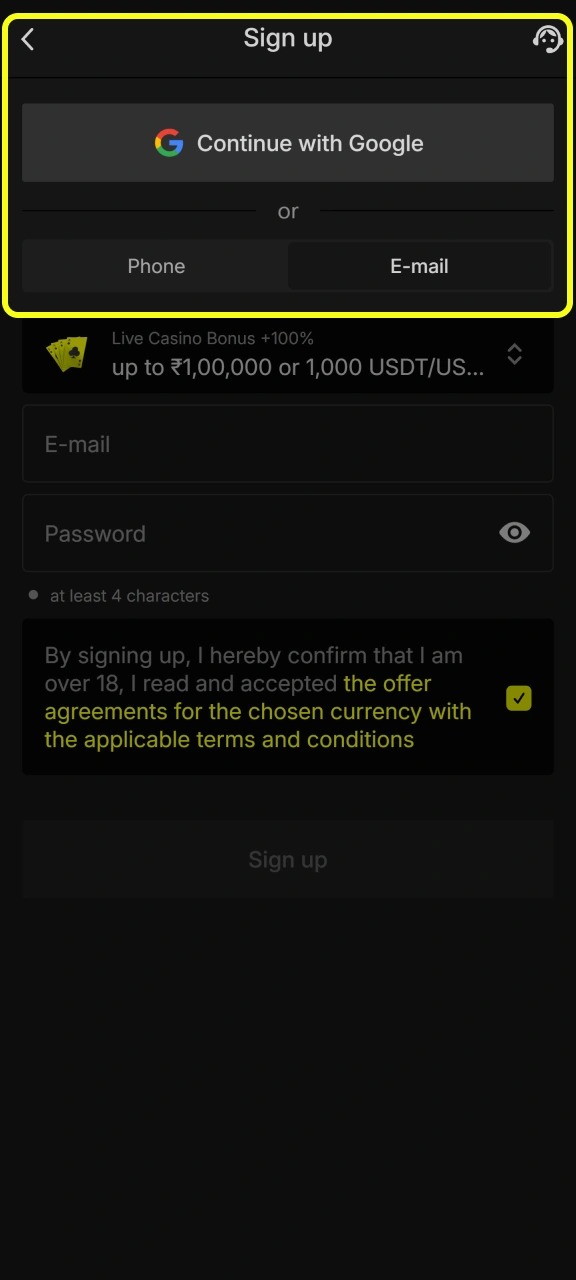
Choose your registration method
Select Phone Number, Email, or Continue with Google.
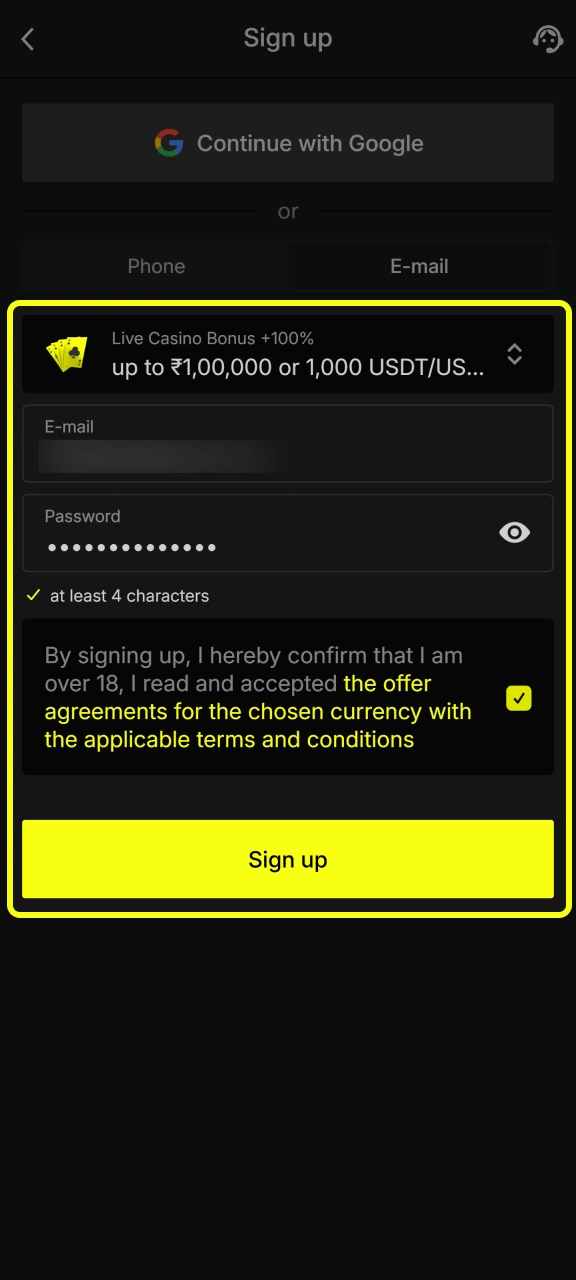
Enter your details and choose your welcome bonus
Input your +91 mobile number or email address and create a password of at least 4 characters.
Four options appear on screen: Sport, Slots, Live Casino, or Instant Games. Enter promo code FREESPIN in the promo code field before confirming.
Confirm via OTP or email link
Enter the one-time code sent to your mobile number or click the confirmation link sent to your inbox. Your account is active immediately.
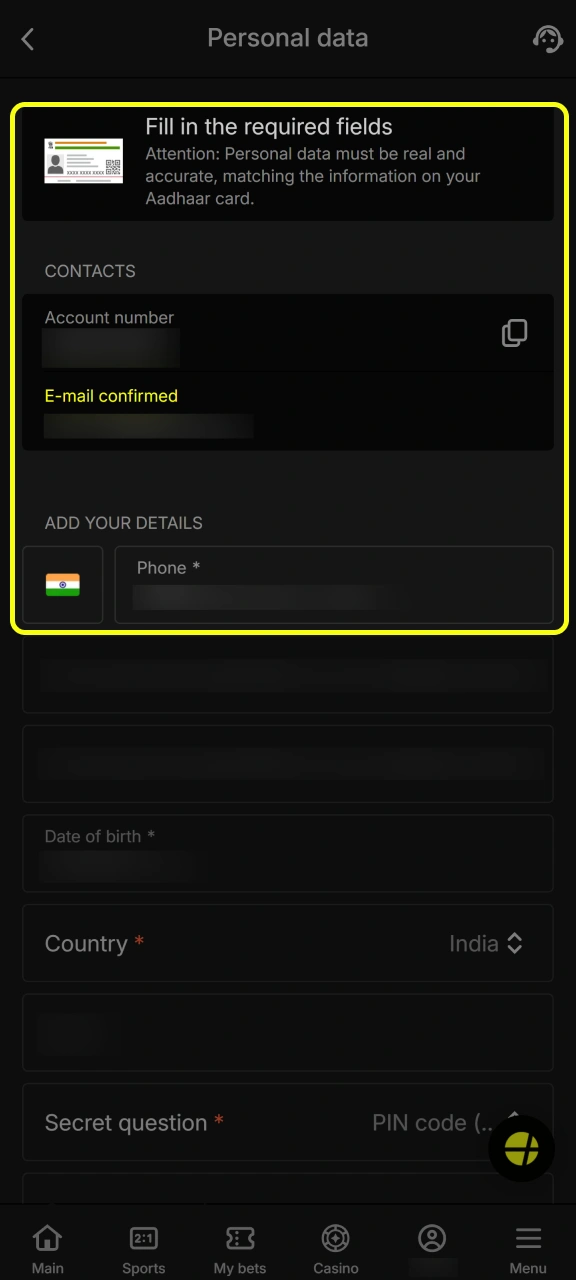
How to Create a Parimatch Account: 3 Sign-Up Methods
Three sign-up paths are available when you open the registration screen in the Parimatch app — pick the one that matches how you use your phone.

Phone Number
Tap the Phone tab, enter your Indian mobile number with +91 prefix, and set a password. An OTP arrives within seconds on Jio, Airtel, Vi or BSNL. Once confirmed, your account opens immediately — no additional steps required before placing your first bet.

Switch to the Email tab and enter an address you check regularly. After setting a password and selecting INR, a confirmation link lands in your inbox — click it to activate the account. A Gmail address works most reliably for OTP and notification delivery in India.

Google Account
Tap Continue with Google to skip manual data entry entirely. The app pulls your name and email from your Google account, asks you to confirm INR as your currency, and takes you straight to the bonus selection screen. No password needed.
Whichever method you choose, the same Sports, Casino, Payments, and Bonus sections are available inside the app from the moment your account is active.
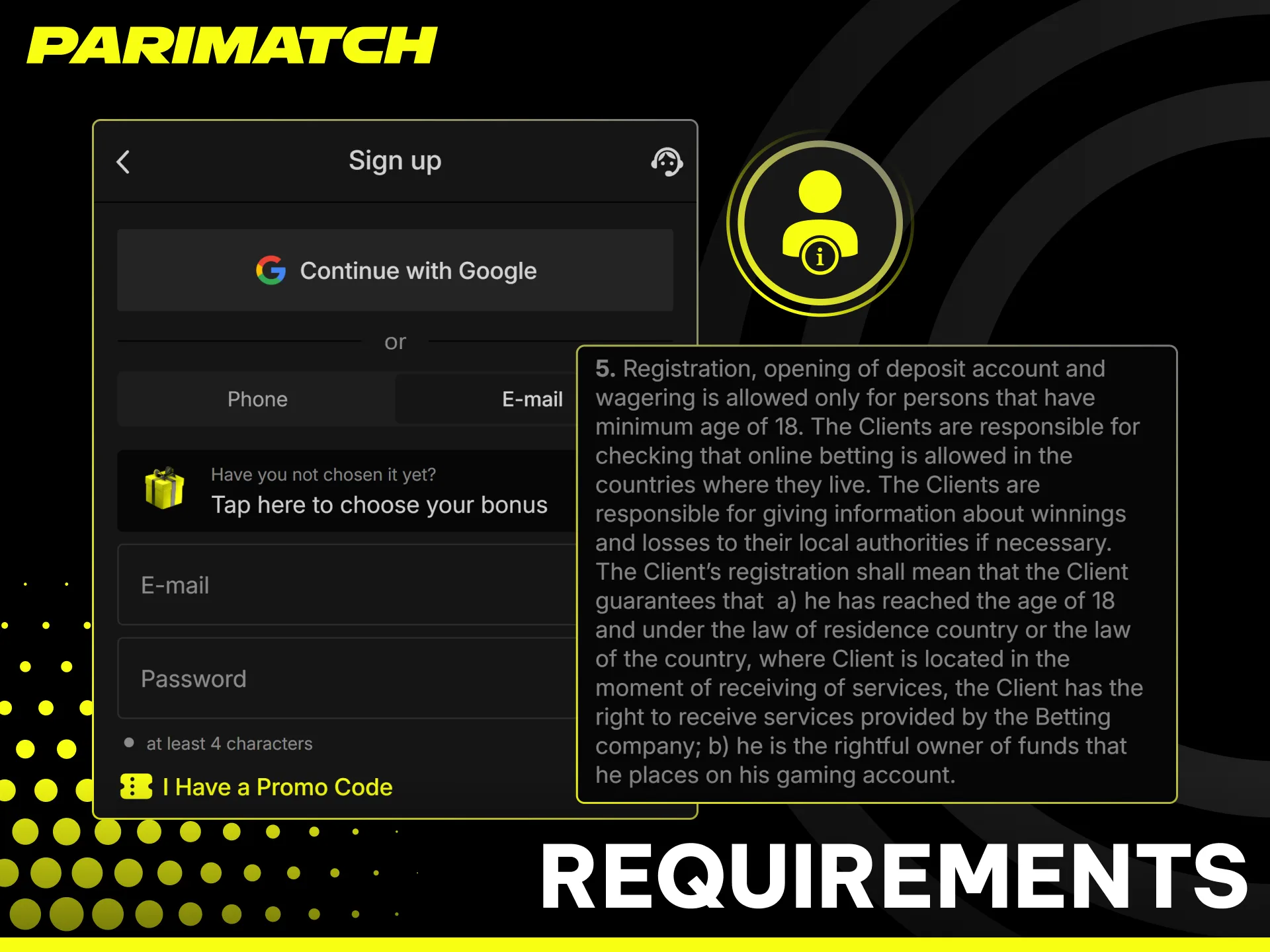
Parimatch Registration Requirements for Indian Players
Before tapping Sign Up in the app, make sure you meet these conditions — they apply to all players registering from India.
- 🔞 Age 18 or older
Parimatch enforces the legal gambling age across all Indian states. You will be asked to confirm your age during registration and verify it with a government-issued document before your first withdrawal. - 📋 One account per player
A single Parimatch account is allowed per person. Using the same mobile number, email, device, or IP address to open multiple accounts leads to permanent suspension and bonus cancellation. - 🪪 Accurate personal details
Your name, date of birth, and address must match your Aadhaar card, PAN card, Passport, or Driving Licence exactly — including spelling. Mismatches block withdrawals during KYC. - 💰 INR as account currency
Select Indian Rupee during sign-up. Currency selection is permanent and cannot be changed after the account is created. - 💳 Payment method registered in your name
UPI, PhonePe, and Paytm accounts used for deposits and withdrawals must belong to the same person as the Parimatch account. Third-party payments are not accepted.
First Deposit and Bonus Activation After Sign Up
Once your Parimatch account is active, three steps separate you from your first bet with a boosted balance.
- Open the Cashier in the app
Tap the Deposit button in the bottom navigation bar. The cashier opens instantly inside the app — no browser redirect required. - Choose your payment method and amount
Select UPI, PhonePe, Paytm or GPay and enter your deposit amount in INR. The minimum deposit to activate any welcome bonus is ₹200. Funds are credited to your account within seconds via UPI. - Your bonus is credited automatically
The welcome bonus you selected during registration activates on your first deposit. No manual claim is needed — the bonus amount appears in your account balance immediately after the deposit is confirmed.
Parimatch gives new Indian players a choice of four Parimatch welcome bonus options on the first deposit — Sport, Slots, Live Casino, and Instant Games — each tied to a different section of the app::
- 🏏 Sport Bonus — +150% up to ₹20,000 for IPL, cricket and sports betting markets
- 🎰 Slots Bonus — +150% up to ₹1,05,000 for slots from Pragmatic Play and other providers
- 🃏 Live Casino Bonus — +100% up to ₹1,00,000 for Evolution and Ezugi live tables
- ⚡ Instant Games Bonus — +100% up to ₹30,000 for Aviator, JetX, Mines and other crash games
If you did not enter promo code FREESPIN during registration, navigate to the Promotions section in the app and apply it before making your first deposit.

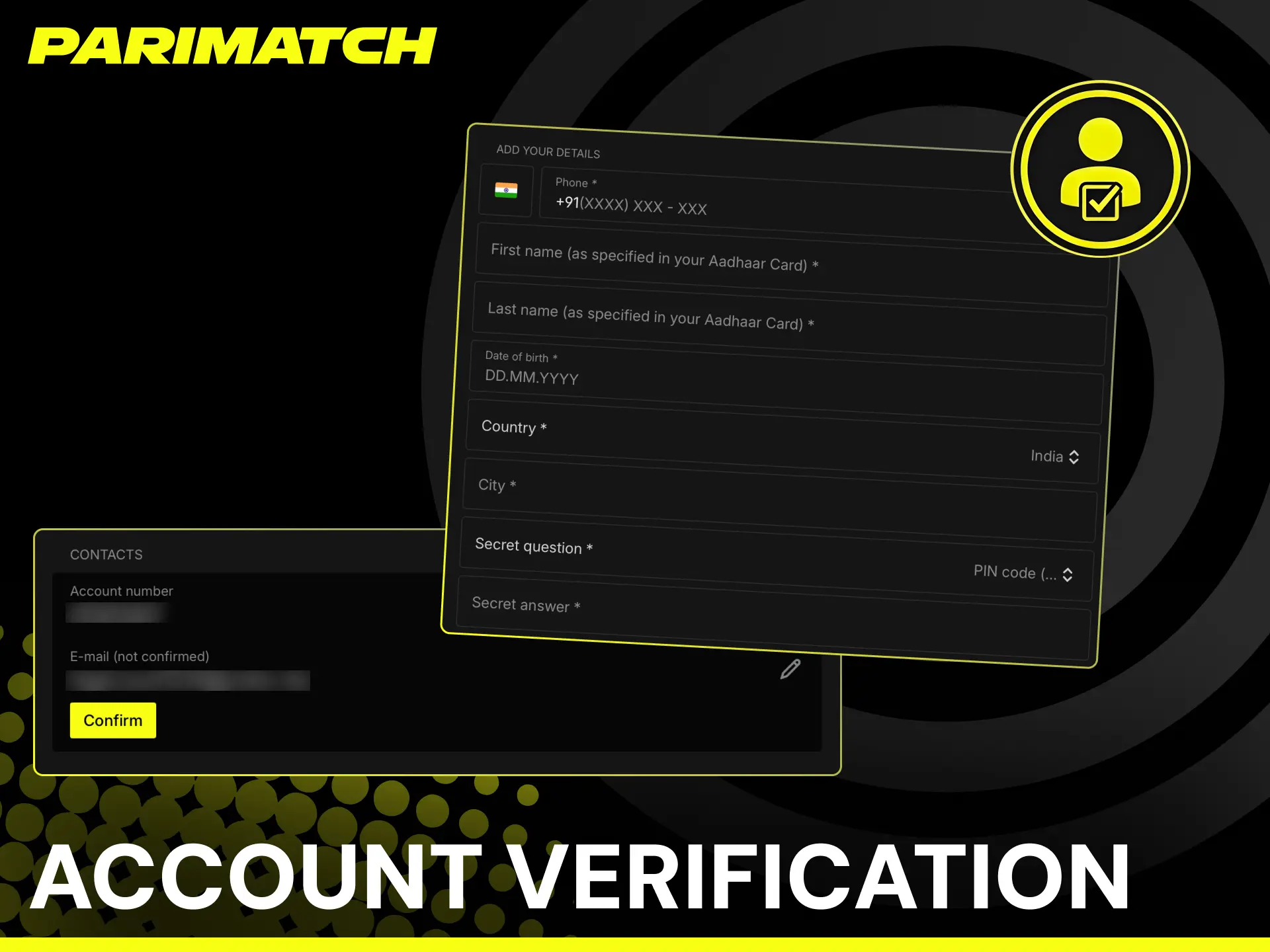
Account Verification (KYC) in the Parimatch App
KYC is a one-time identity check required before your first withdrawal. Deposits and betting are available immediately after registration — verification only becomes necessary when you are ready to cash out your winnings.
Indian players complete the entire KYC process inside the Parimatch app without visiting any external website or sending documents by email.
- Go to your Profile — tap your account icon in the top right corner of the app and open the Verification section.
- Upload a government-issued ID — Aadhaar card, PAN card, Passport, Voter ID, or Driving Licence. The document must be photographed clearly with all four corners visible.
- Upload proof of address — a utility bill, bank statement, or Aadhaar card showing your current address dated within the last 3 months.
- Submit and wait for approval — the Parimatch verification team processes documents within a few hours. A notification appears inside the app once your account is fully verified.
Submitting documents that exactly match the name and details entered during registration avoids delays — mismatches between your Parimatch account name and your Aadhaar or PAN card are the most common cause of KYC rejection for Indian players.
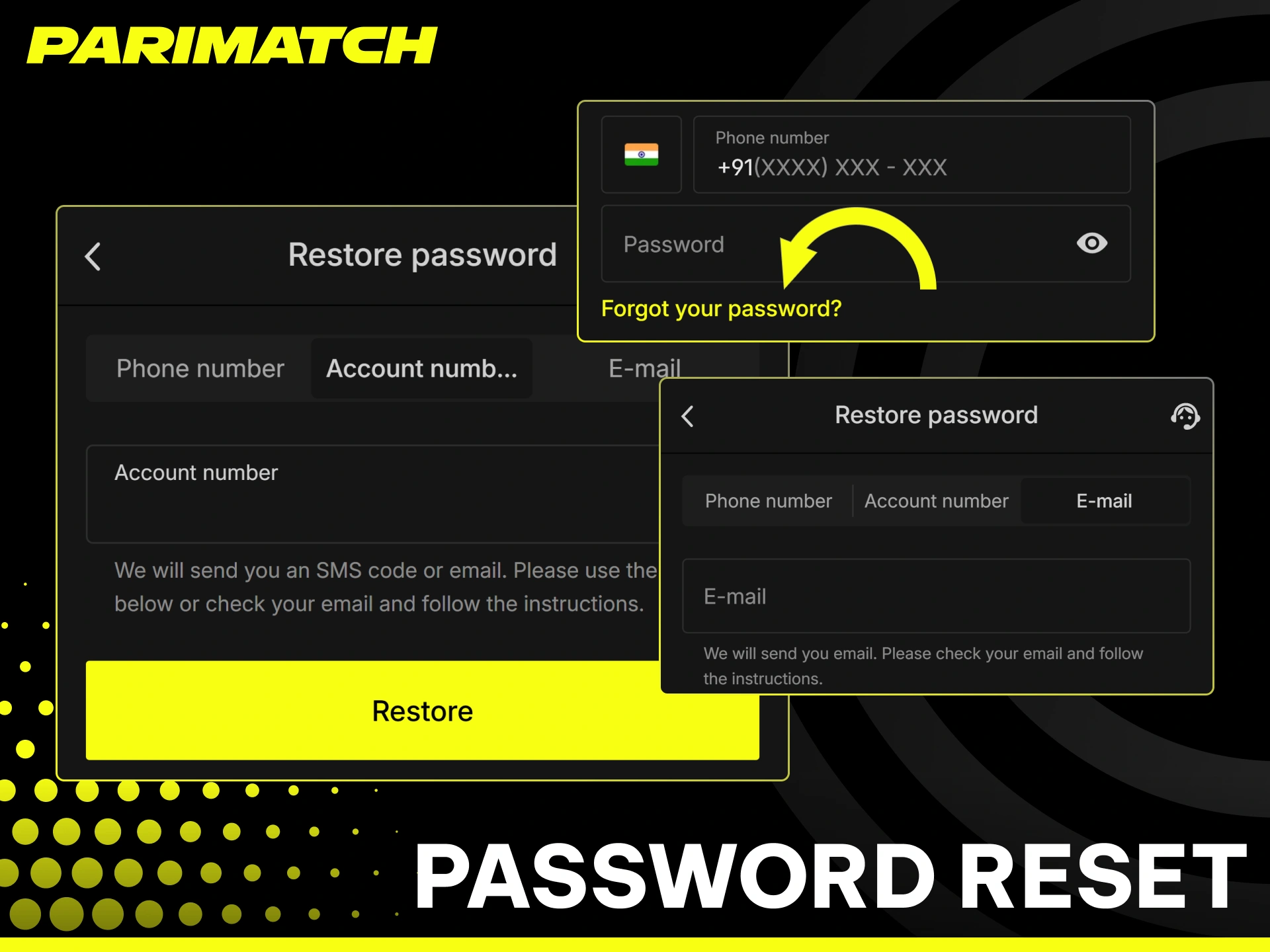
Password reset and account recovery steps
Forgot your password? You can regain access in a few steps.
- Click Forgot Password on the login page.
- Choose method: Receive a reset link by email or an OTP by SMS.
- Verify: Enter the code or open the link sent to you.
- Create new password: Use at least 8 characters, a number, and a symbol.
- Secure it: Turn on 2FA or biometrics for future sign ins.
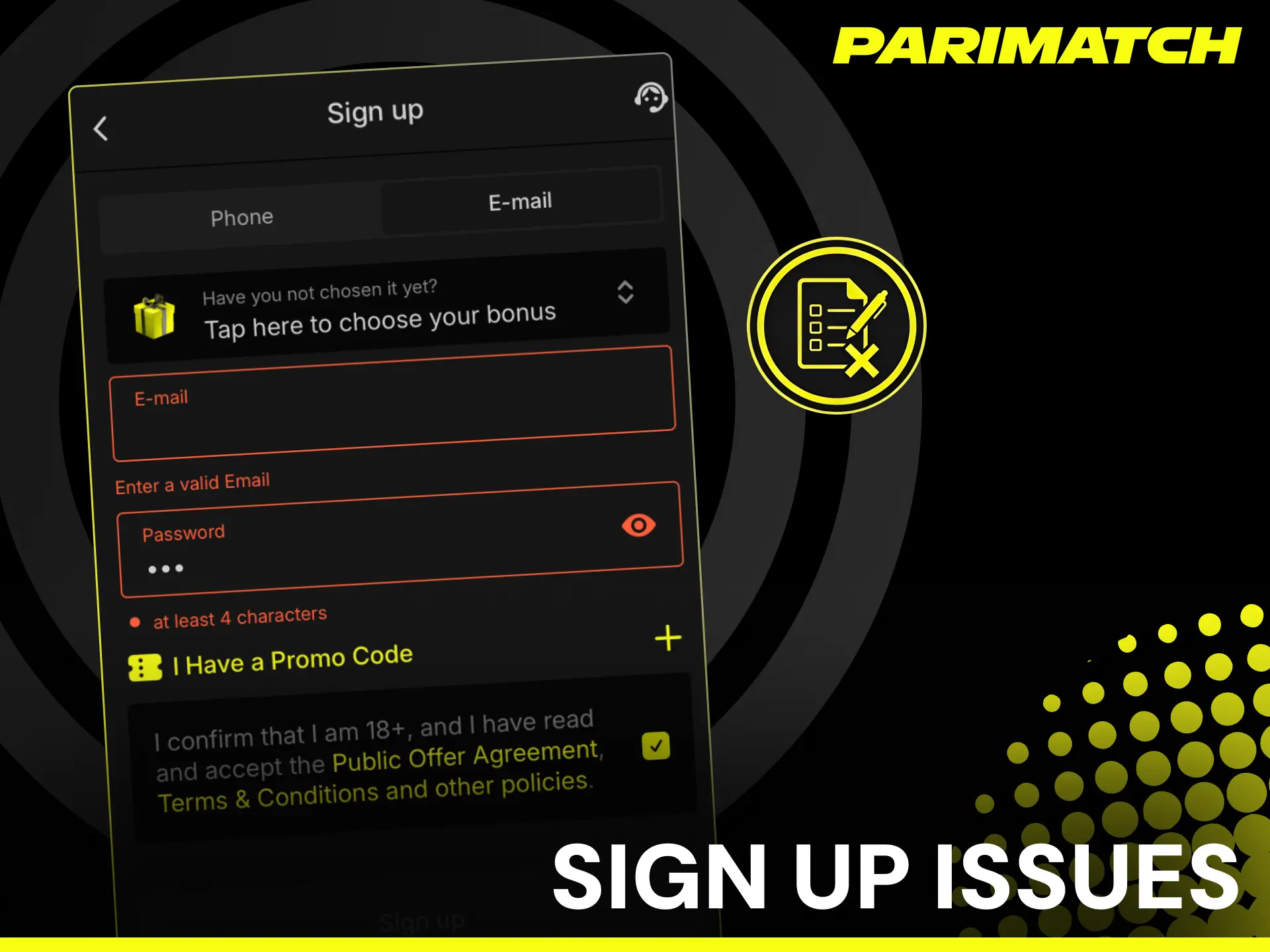
Parimatch Sign Up Issues Specific to Indian Players
- Selected the wrong welcome bonus during registration
The bonus choice made during sign-up is final and cannot be changed after tapping Sign Up. If you selected the wrong bonus type, contact Parimatch support via live chat immediately — before making your first deposit. The support team can manually adjust the bonus selection if no deposit has been made yet. - Promo code FREESPIN not applied
The promo code field appears on the registration screen before you tap Sign Up. If you missed it, go to the Promotions section in the app after logging in and enter FREESPIN there before making your first deposit. Once a deposit is made without the code, the enhanced offer cannot be retroactively applied. - Bonus did not appear after first deposit
Check that the deposit amount met the minimum threshold and that your account currency is set to INR. If the bonus is still missing after 15 minutes, open live chat support inside the app with your deposit confirmation details ready. - Account suspended immediately after registration
This usually happens when registration details — name, mobile number, or device — match an existing account. Parimatch allows one account per person. Contact support with your identity documents to resolve the suspension if you have not previously registered. - INR not available as currency during sign-up
This occurs when the app detects a VPN or non-Indian IP address. Disable any VPN, switch to your Jio, Airtel or Vi mobile data connection, and restart the registration process.
FAQ
Can I register on Parimatch without downloading the app?
Popular options include UPI, NetBanking, cards, and selected wallets; availability appears in the Cashier.
Which welcome bonus should I choose during sign-up?
It depends on what you plan to do after registration. Sport Bonus +150% up to ₹20,000 suits cricket and IPL betting. Slots Bonus +150% up to ₹1,05,000 offers the highest INR value for casino players. Live Casino Bonus +100% up to ₹1,00,000 covers Evolution and Ezugi tables. Instant Games Bonus +100% up to ₹30,000 is for Aviator, JetX and crash games. The choice is made on the registration screen and cannot be changed after sign-up.
Is a PAN card required to register on Parimatch in India?
PAN card is not required at the registration stage. You only need a valid +91 mobile number or email to create your account. PAN card becomes necessary during KYC verification before your first withdrawal.
Can I use UPI to deposit immediately after registration?
Yes. UPI deposits are available instantly after registration with no waiting period. Select UPI in the app cashier, enter your UPI ID, and confirm the payment — funds appear in your Parimatch balance within seconds.
What happens if I register with incorrect personal details?
Incorrect details cause KYC rejection when you attempt your first withdrawal. Update your name, date of birth, and address in the Profile section of the app to match your Aadhaar or PAN card before submitting verification documents.
Is Parimatch registration legal in India?
Parimatch operates under Curacao License No. OGL/2024/1329/0629 and accepts players from India. Online betting on offshore platforms is not explicitly prohibited under Indian law in most states, though players should check local regulations before registering.
Comments